AFT8 components are disabled for real-time, pending license sync.
Get Started Sign Up 100% Free for your ATS Universal Account https://account.algotradingsystems.net/GetStarted Login to all devices & ATS apps with your "ATS Universal Account"
AFT Desktop App - syncs your licenses for AFT8 https://account.algotradingsystems.net/Secure/Downloads After "AFT Desktop App" is installed and set up, when NT8 opens/accesses any AFT8 workspaces/components, "AFT Desktop App" will auto-start, auto-login, and download your licenses, updated files, workspaces, and settings for AFT8.
AFT Desktop App is running; it could be minimized on the taskbar. Login to AFT Desktop or click Restart to sync your licenses.
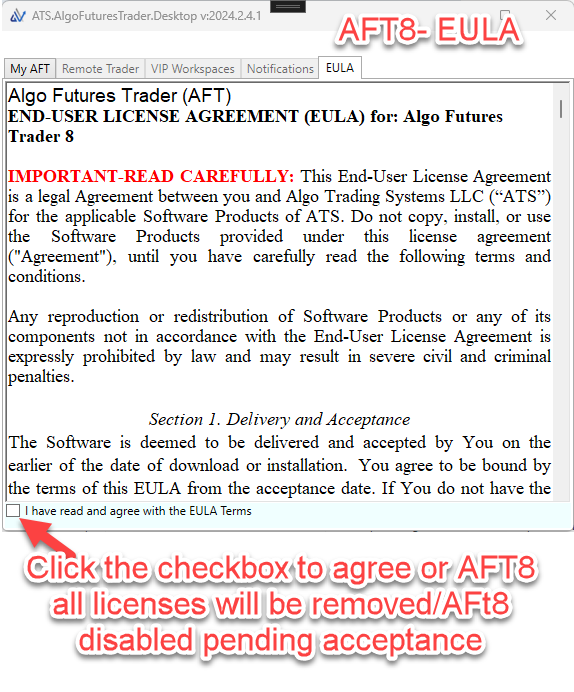
Agree to the EULA or any notices to allow syncing. Wait for 5 to 30 seconds for the licenses to download.
You can view the licenses in the AFT Desktop tabs. AFT8 will find the licenses and activate all components. NOTE! You may need to restart NT8 or re-open the AFT8 workspaces.